Where trading ideas get tested
Live charts, scripts, backtests and alerts in your browser, for Indian markets, forex and crypto.
Charts with
everything on them
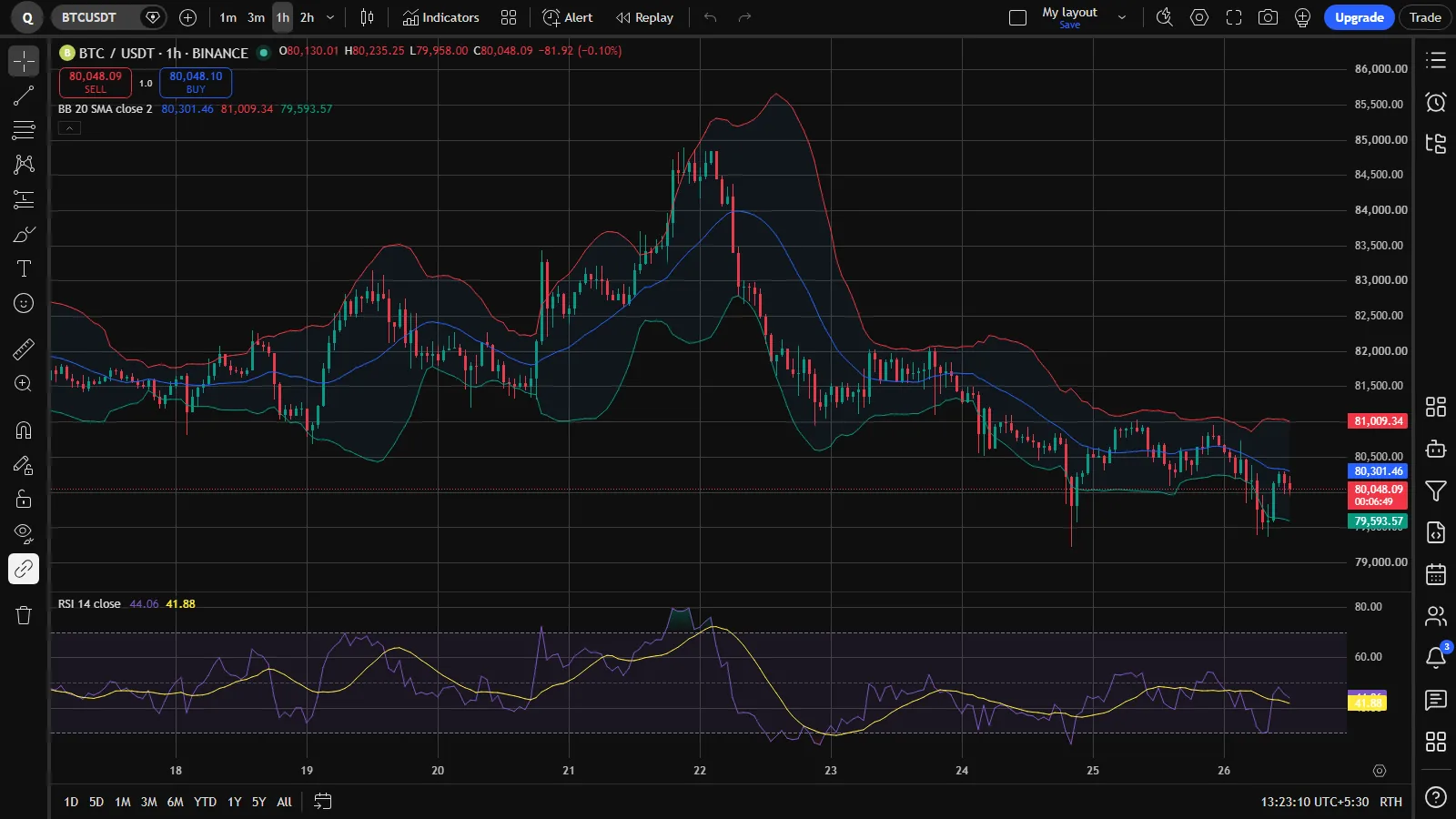
Every chart type, every drawing tool and up to 16 charts in one tab. Your layouts are saved to your account and open the same way on any device.
Chart types
Candles, Heikin Ashi, Renko, Kagi, Line break, Point & figure, range bars and more.
Drawing tools
Trend lines, channels, Fibonacci tools, patterns, positions and notes, kept with your layout.
Multi-chart layouts
Split one tab into as many as 16 charts and keep them in step by symbol, interval or time.
Bar replay
Go back to any date and play the market forward bar by bar at the speed you choose.
Script Editor
Write it once.
See it on the chart.
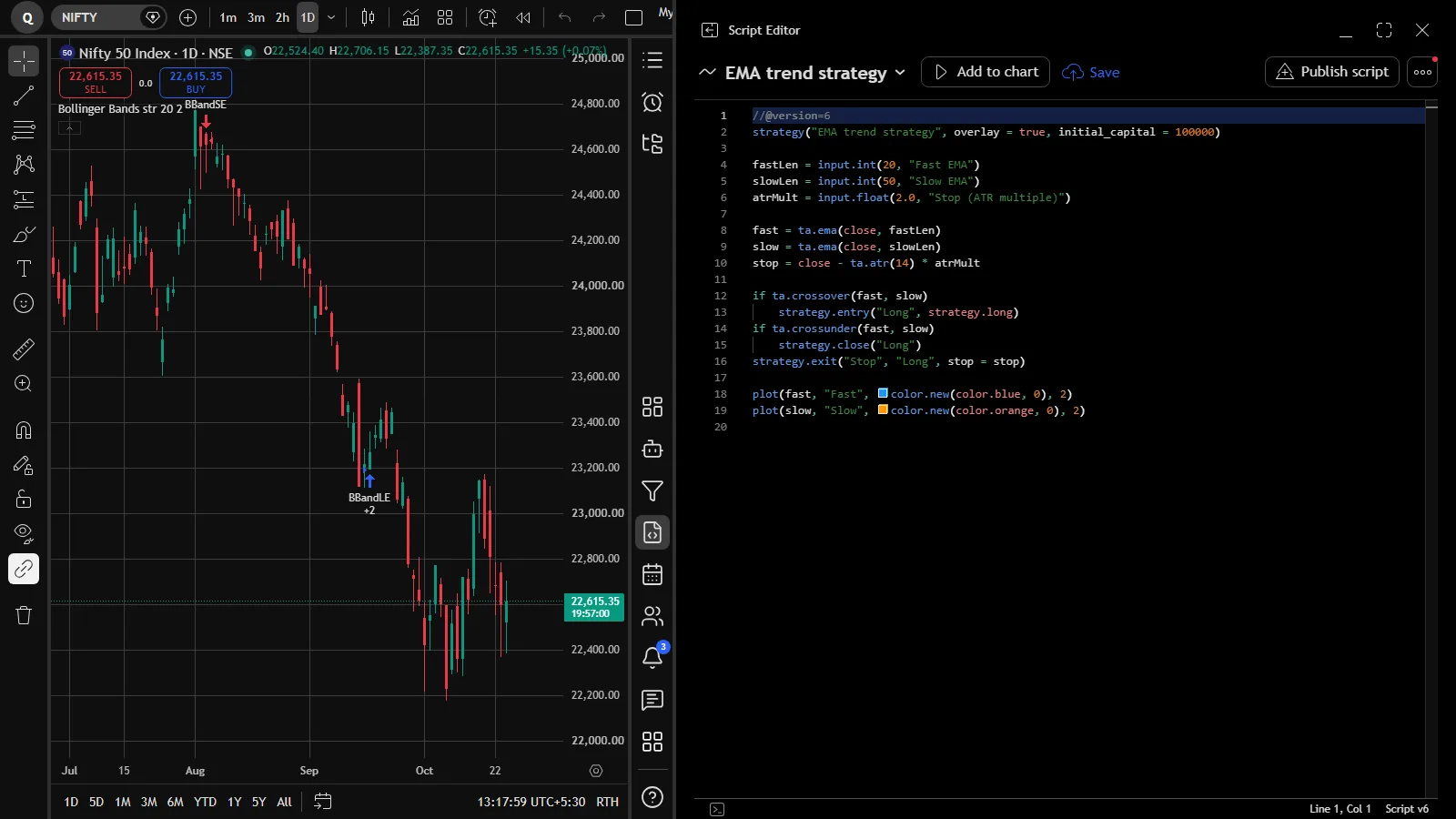
Write indicators and strategies in a Pine-compatible script language, or paste a script you already use. Add it to the chart in one click, change its inputs, and publish it for others when you are ready.
- Version 6 syntax with inputs, plots, colours and alerts
- Hundreds of built-in indicators to start from
- Indicators on indicators, templates and favourites
Strategy Tester
Backtest before
you risk a rupee
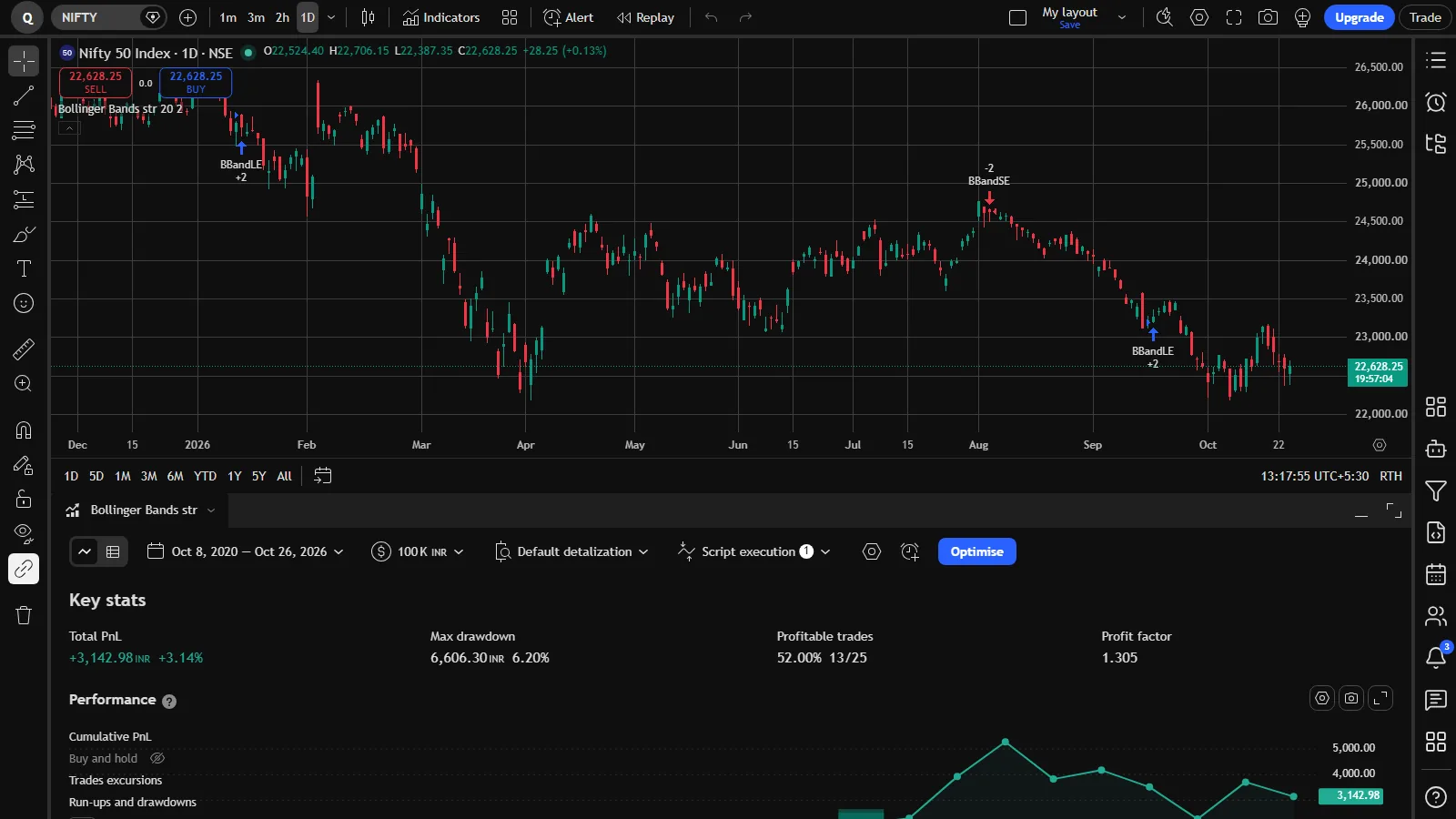
Add a strategy and the Strategy Tester opens under the chart with net profit, drawdown, win rate, profit factor, the equity curve and every trade. Then let the optimiser search the input ranges for you.
- Performance, trade list and per-trade analysis
- Commission, slippage and position size settings
- An optimiser that tries input ranges in your browser
The markets you follow
Indian stocks and derivatives next to forex, gold and crypto, on every interval from seconds to months.
NSE, BSE, MCX and NFO
NIFTY, BANKNIFTY, SENSEX, stocks such as RELIANCE and HDFCBANK, futures and an options chain.
Currencies and metals
Major and minor currency pairs, gold and silver, with the sessions marked on the chart.
Five exchanges, live
Spot pairs on all five, and USDT perpetuals from Binance, Bybit and OKX, from the exchanges' own market data.
Alerts
Alerts that keep
watching for you
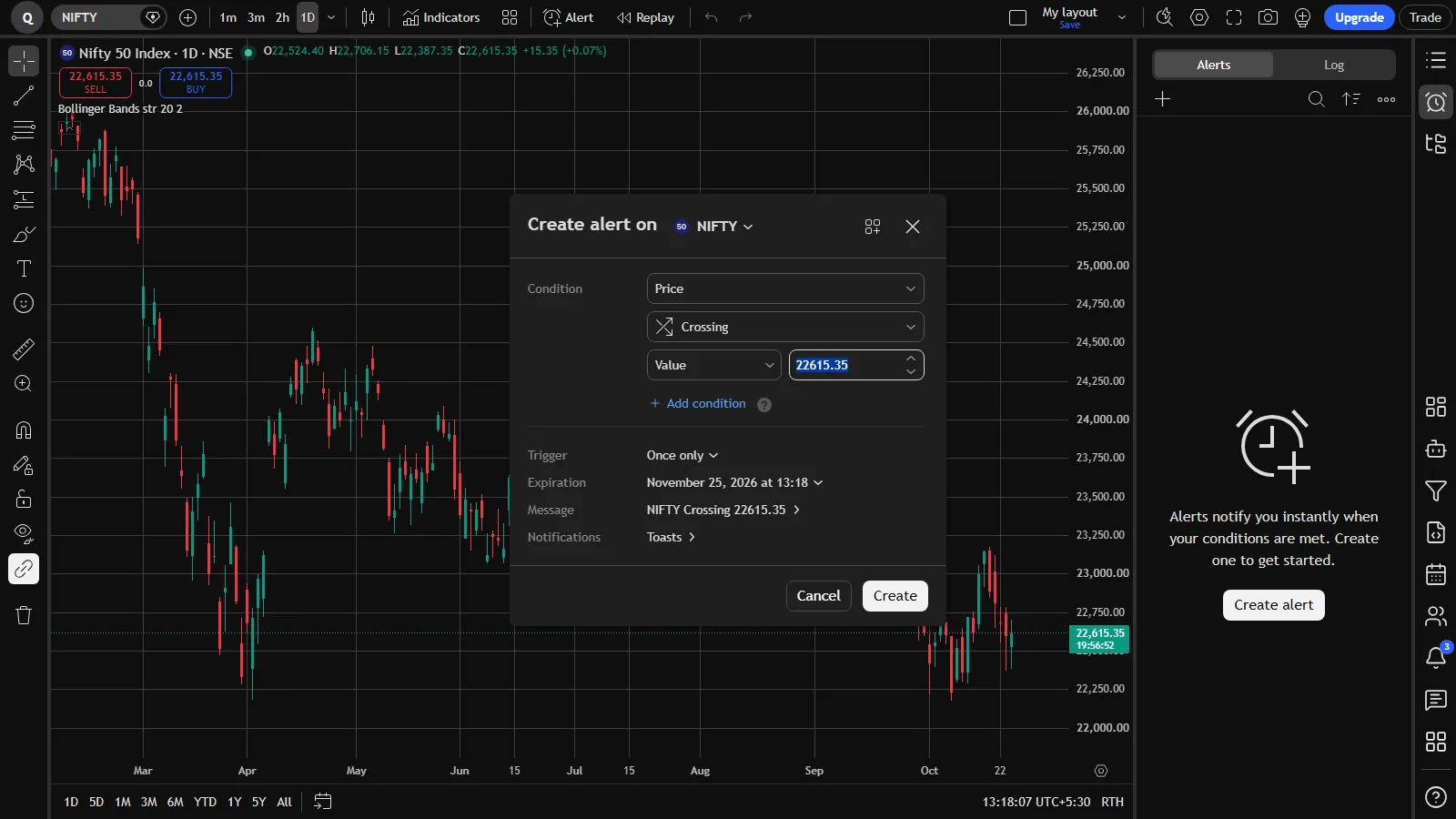
Set an alert on a price, a drawing or any indicator. It runs on our servers, so it still fires after you close the tab, and it can reach you wherever you are.
- Price, indicator and multi-condition alerts
- Messages in the app, by Telegram or to your webhook
- Watchlist alerts and alerts that never expire
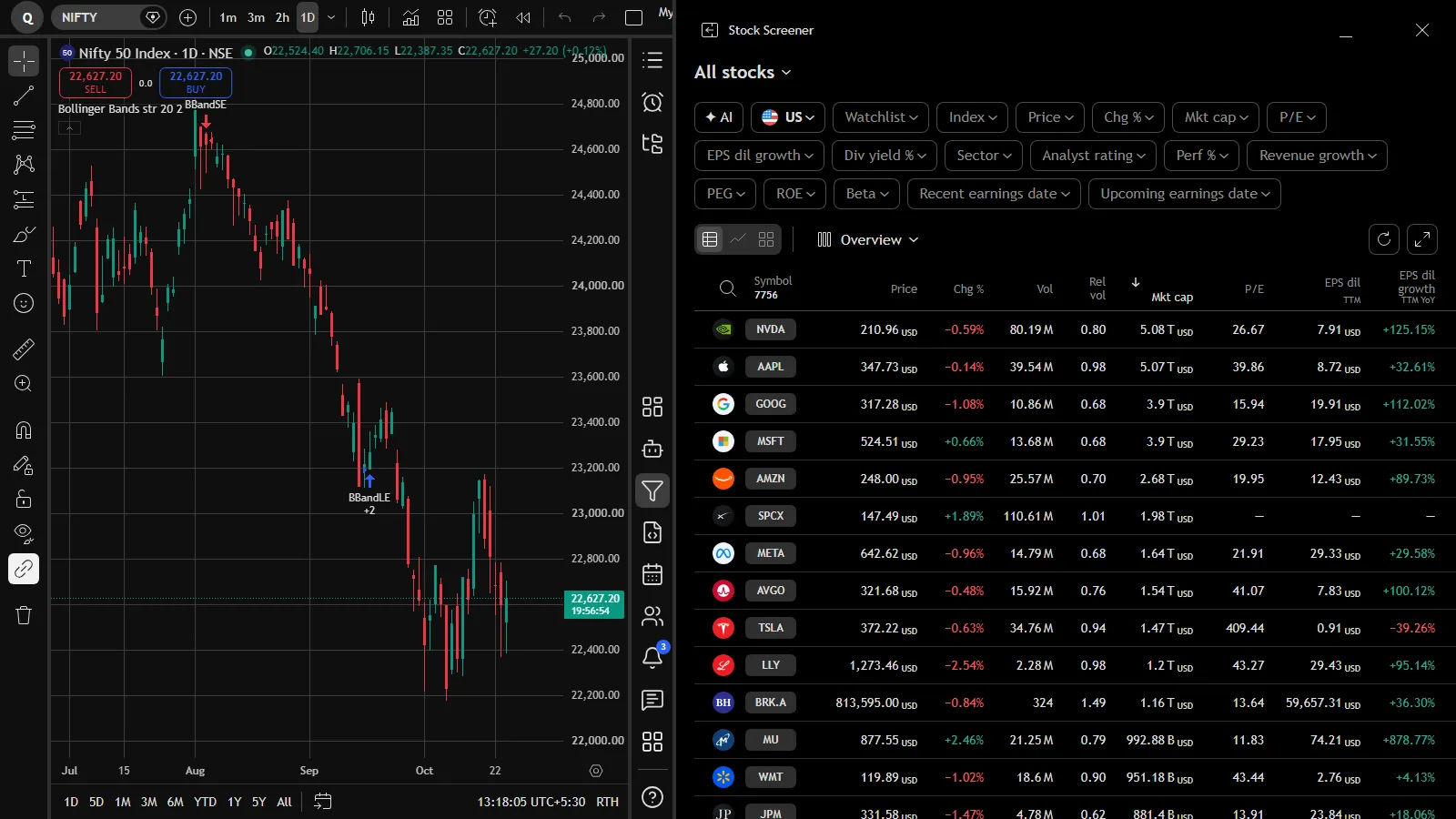
Find the next chart to look at
The screener sorts and filters stocks by price, change, volume, market cap, valuation, growth and more, and opens any row on your chart.
On your phone
Nothing to install
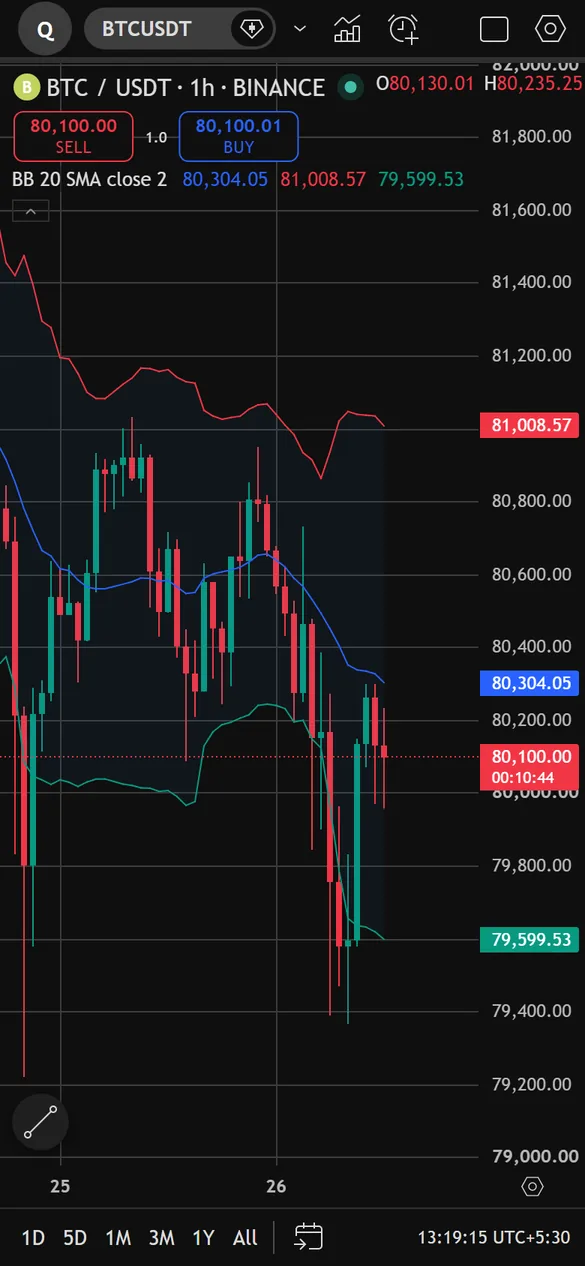
Open supercharting.com in your phone's browser and sign in. Your layouts, watchlists and alerts are already there, with a layout made for small screens and a Draw button under your thumb.
- The same account on the web and on your phone
- Indicators, alerts and the Strategy Tester on the go
Learn from the community
Scripts that other traders have published, chart ideas you can open and copy, and plain guides to every part of SuperCharting.
Community scripts
Browse indicators and strategies, add them to your chart, or publish your own.
Open the library ›Trading ideas
Charts shared with a written idea. Open one and keep studying from where it left off.
Read ideas ›Learn guides
Step-by-step pages on charts, indicators, scripts, backtests and alerts.
All guides ›Launch offer
Premium for $0 right now
Every Premium feature free for 30 days. After that, $30 for one month, $150 for six months or $230 for a year, paid once with PayPal. Nothing renews by itself.
Questions and answers
Is SuperCharting free?
Yes. Creating an account costs nothing, and right now every account gets the full set of tools: charts, indicators, scripts, the Strategy Tester and alerts. The launch offer also gives you Premium for $0 for 30 days. See Pricing.
Is SuperCharting free?
Yes, currently. No paid plan is required and every account gets the same limits: 16 charts per tab, 50 indicators per chart and 1,000 price alerts. Paid plans are priced on the pricing page for later. SuperCharting is made by Jayadev Rana, an independent developer, and is not affiliated with TradingView. About SuperCharting.
Do I need to install anything?
No. SuperCharting runs in your web browser on a computer or a phone. Sign in and your layouts, watchlists and alerts are there.
Which markets can I chart?
Indian markets (NSE, BSE, MCX and NFO, including NIFTY, BANKNIFTY and an options chain), forex and gold, and crypto from Binance, Bybit, OKX, Coinbase and KuCoin.
Can I use the scripts I already have?
Scripts are written in a Pine-compatible language, so version 6 indicators and strategies can be pasted into the Script Editor and added to the chart. The Script Editor guide explains what is supported.
Do alerts work when my browser is closed?
Yes. Alerts run on our servers. When one fires you get a message in the app, and it can also go to Telegram or to your own webhook.
How do I pay, and will I be charged again?
You pay once with PayPal for one month, six months or a year. Nothing renews by itself; when your time ends you choose whether to buy again. Read the refund policy.
Is anything here investment advice?
No. Charts, scripts and backtests are tools for study. Past results do not promise future returns.